by maze » Thu Dec 25, 2025 5:56 am
 Current style: Ground level
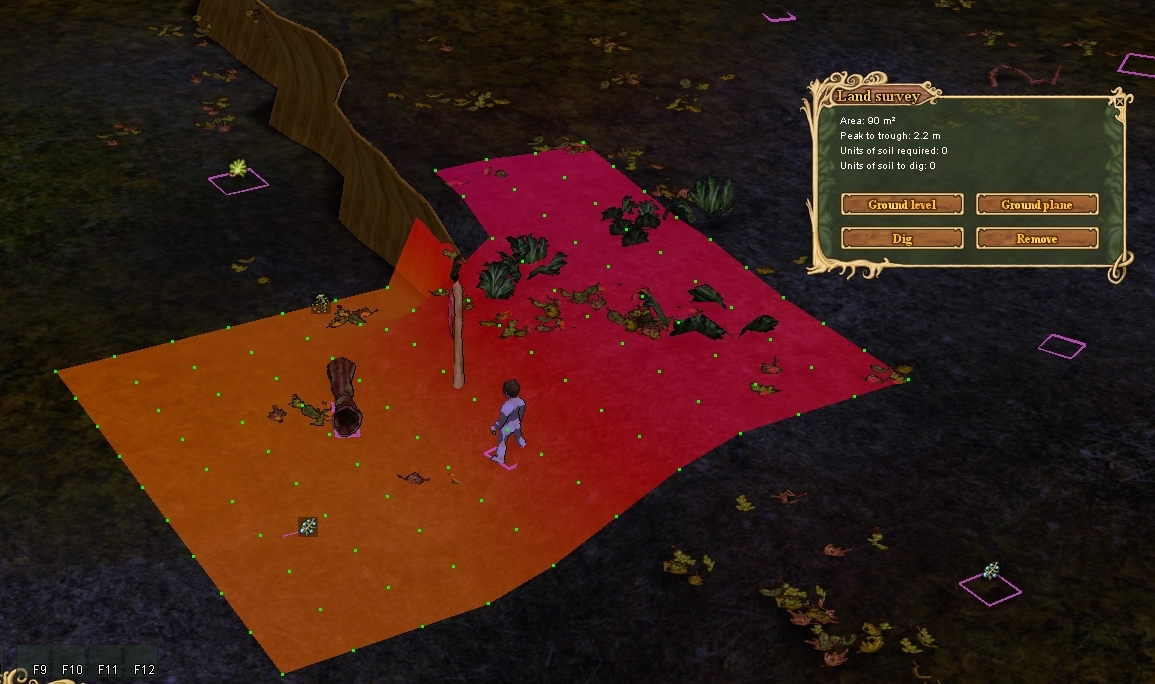
#1 Suggestion: Add lines amoung the dots
Selecting a line allows you to interact with dots on that line at once.
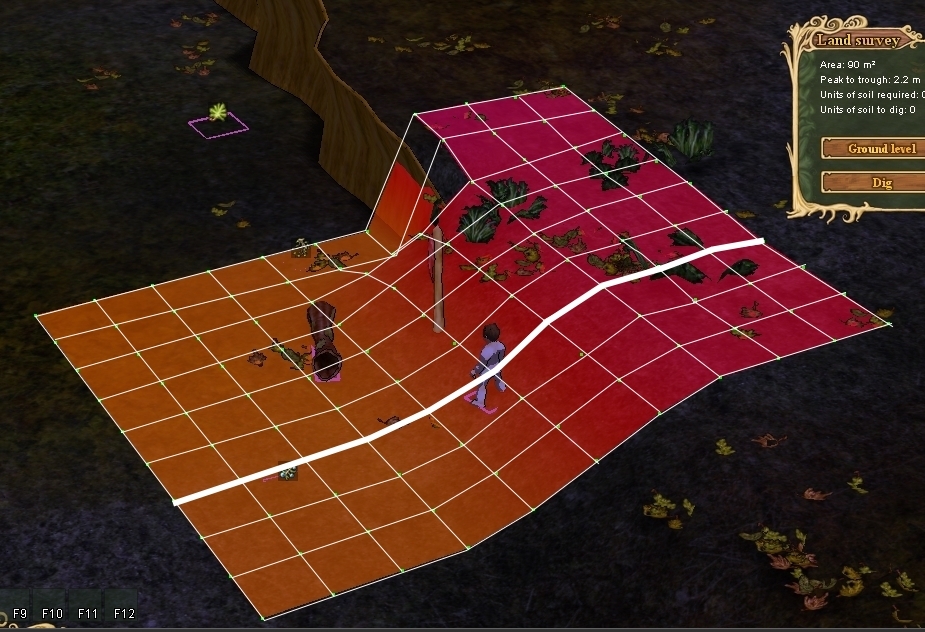
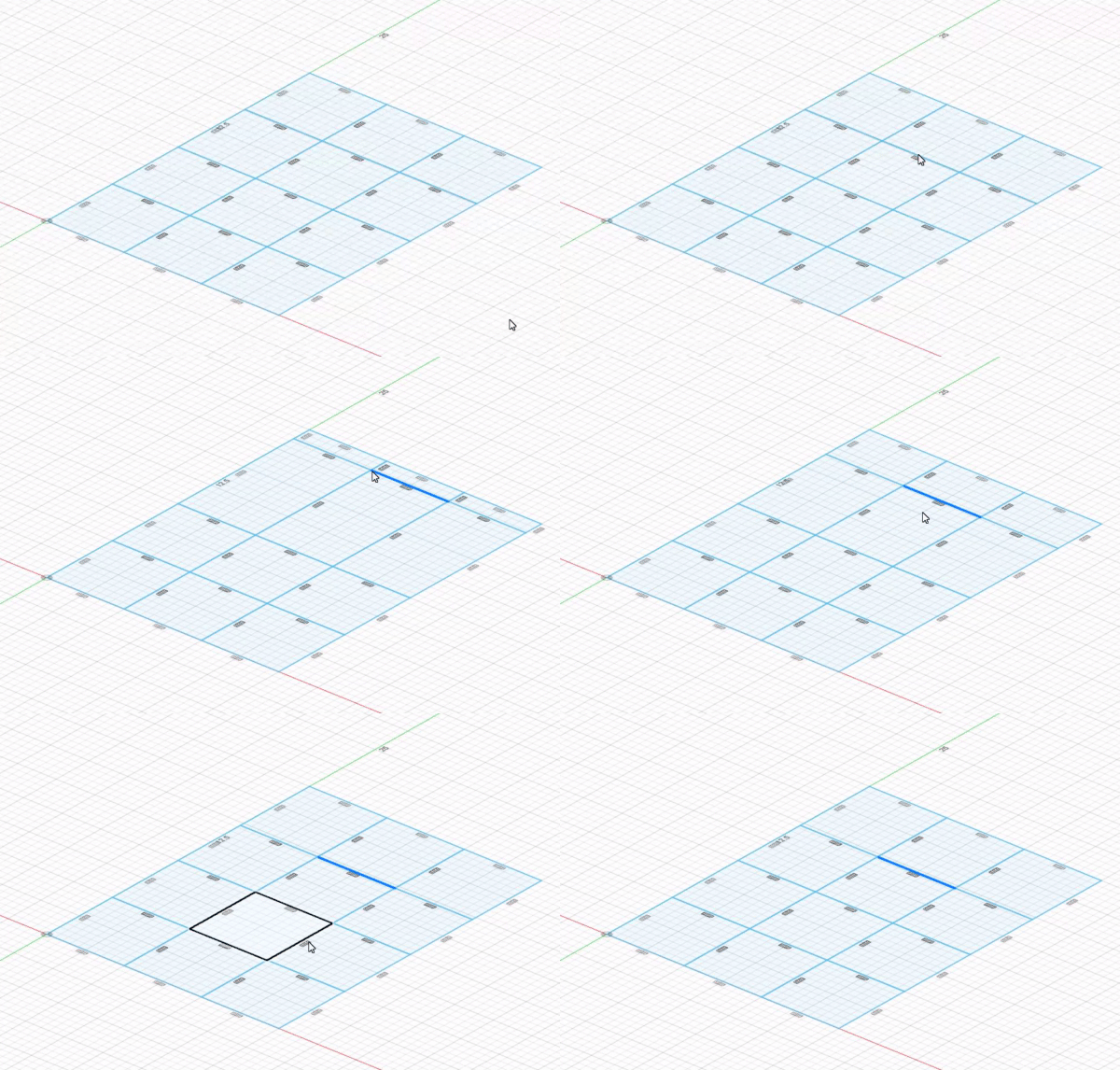
#2 Interaction with a dot or line or sqaure: Highlight the dot or the line or square as the current editing.
#3 Add buttons for more (better) interactions:
- Lower: lowers the point by 0.1 (these are for users with disability's or trouble mouse dragging)
- Raise: raises the point by 0.1 (these are for users with disability's or trouble mouse dragging)
- Lowest to the lowest point: lowing the line or point equal to the lowest point selected in all dots
- Highest to the highest point: Raise the line or point equal to the highest point selected in all dots
- Center between: Centers the line or point between the highest and lowest
- Flatten: flattens out the line or sqaure so that they're the same.
- Slope all: will take the 2 lowest point and the 2 highest point and make the field into a slope. If 3 points are the same place it will give a warning to lower one point
- Lock: locks the point or line in place so that it does not move (regardless of button press a small lock should be on the point)
-Select all (I know this is already a toggle): select all points
#4 add a [?] in the top nextto the [x] for any info of hotkeys or toggle information that might be hidden (they should be buttons to be honest)