 by Nightdawg » Wed Jun 24, 2026 7:35 pm
 Yes, I know there are other tools. I made this one mostly because I have unlimited AI tokens and wanted a working 3D model exporter/importer.
It has grown into a fairly complete resource editor, but feedback from actual modders is still very welcome—especially requests for useful workflows, missing formats and fixes.
ResForge is a standalone graphical and command-line editor for Haven & Hearth .res files. It can replace textures, sounds, fonts, text and keybinds; edit typed resource data; preview 3D models and skeletal animations; and round-trip models and animations through Blender.
Its core promise is lossless-by-construction editing: if you change nothing, the resource remains byte-for-byte identical. A layer is only exposed for friendly editing when ResForge can prove that decoding and re-encoding reproduces its original bytes. Unsupported or unusual data stays preserved as raw rather than being silently corrupted.
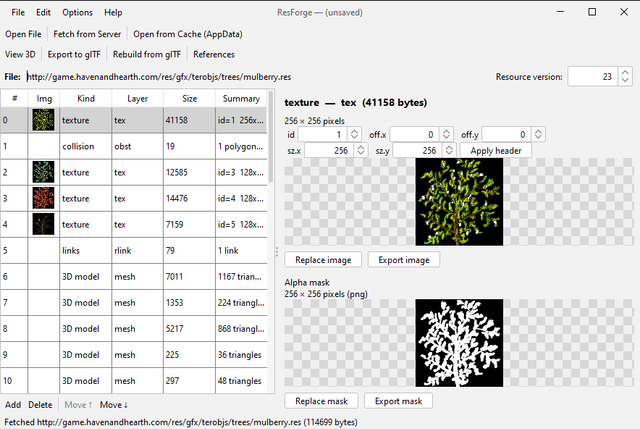
Re-skinning a texture and the editable-JSON material editor
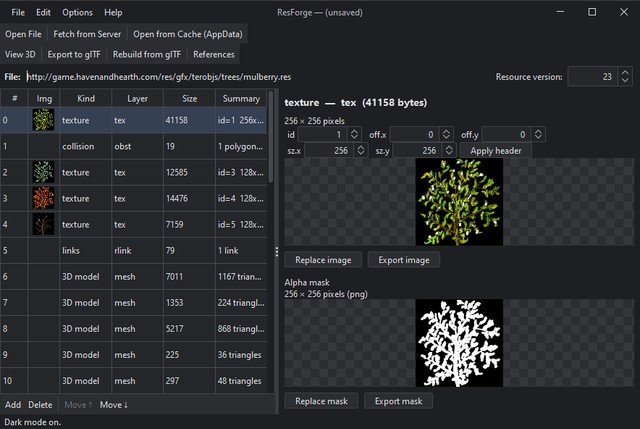
Dark mode
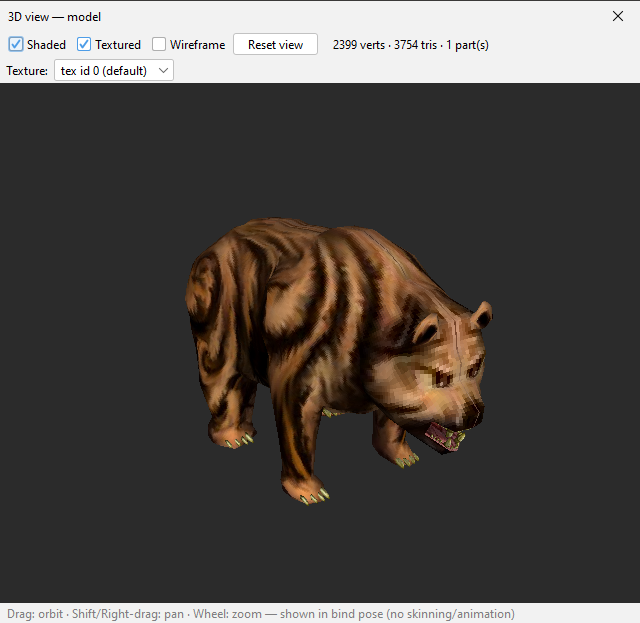
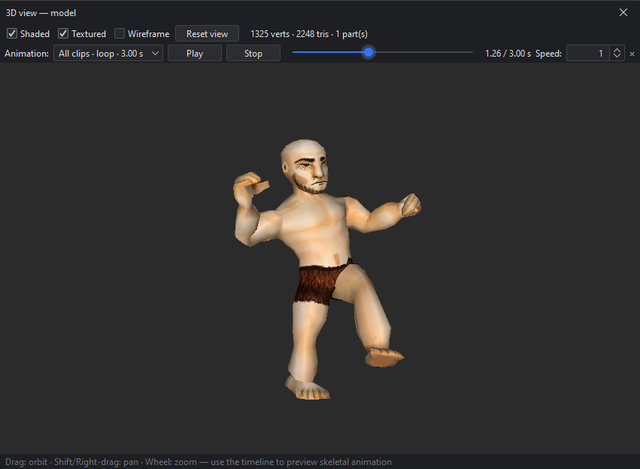
Built-in 3D viewer (no OpenGL—pure-Java software renderer)
Skeletal-animation playback—combined or individual clips, speed control and timeline scrubbing
Animated equipped-item preview with live boneoff editing

What it does
- Re-skin 2D art—replace PNG/JPEG images at any size, swap model textures and alpha masks, and edit image headers such as id, z/sub-z and draw offset.
- Swap media—replace sounds (Ogg, with a built-in player), fonts (TTF/OTF), MIDI and terrain tiles.
- Edit typed data as JSON—including props, action keybinds, mat2 materials, sprite animations, click hitboxes (neg), collision (obst), equip points (boneoff), lights and plain text such as tooltips and pagina text. Typed editing is only enabled when the original data round-trips exactly.
- Full 3D model round-trip through Blender—export geometry, both UV sets, textures, skeletons, skinning and animations to a .glb; reshape, re-UV, add or remove vertices, faces and complete model parts; then rebuild the resource. Modern mesh materials and distinct submeshes are preserved.
- Full skeletal-animation editing through Blender—export standalone or multi-layer skan animations with their bind skeleton and preview model. Translation and rotation tracks can be completely remade: add or remove bone tracks, use arbitrary key counts and timing, and import baked STEP or CUBICSPLINE motion. Multi-layer resources include a combined Blender action for convenient preview and editing while retaining their individual layers. When importing a Blender export, ResForge asks which edited action or actions to rebuild instead of relying on Blender's unstable export order.
- Built-in 3D viewer—textured, shaded and wireframe rendering with orbit, zoom and pan; live sprite-animation previews; and skeletal-animation playback with combined or individual clips, speed control and timeline scrubbing.
- Animated equipped-item previews—preview boneoff equip-point data on a moving player model. Valid JSON edits update the open preview live before they are applied to the resource.
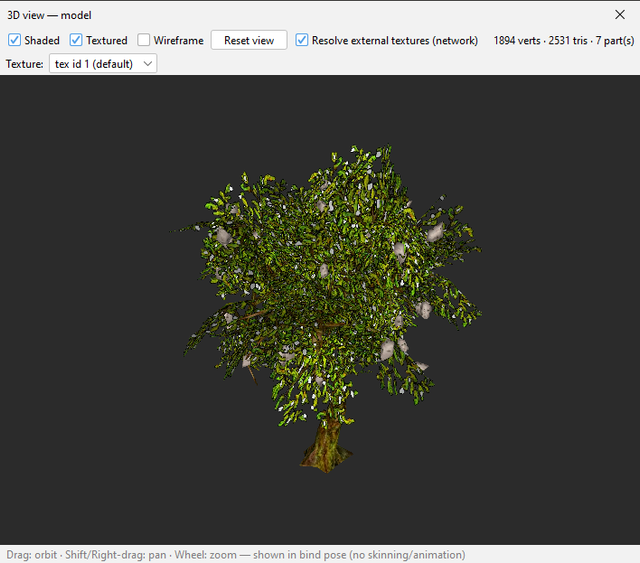
- Texture-resolution tools—a per-material texture picker lets you switch each part between the resource's own textures live. An optional Resolve external textures toggle loads textures stored in linked resources.
- Fetch resources from the server by in-game path, such as gfx/borka/male, or browse names from the local game cache and fetch the latest version. Cache indexes are saved for faster subsequent browsing, and animation companion resources can be fetched directly from their selection dialog.
- References report—list every resource referenced by a .res file in one place.
- GUI options—persistent dark mode, adjustable UI scaling and modern Windows file dialogs with an editable address bar.
- Command-line tools—the editor's operations are also available for scripting, inspection and batch verification.
GitHub: https://github.com/Nightdawg/ResForge
Latest release: https://github.com/Nightdawg/ResForge/releases/latest
Open source under the MIT license.
Known limitations (v1.3.1)
Deliberately out of scope for now—and nothing here can corrupt a file, because unsupported data remains lossless and read-only:
- Skeletal-animation translation and rotation tracks can be completely remade, but playback mode, bone scale and control/effect events remain read-only and are preserved. Adding or removing manim frames is still unsupported.
- The glTF model rebuild is not byte-lossless; rebuilt models should be verified in-game.
- Runtime variable materials, such as wood-type substitutions, and Dyntex sprite additions appear shaded in the 3D viewer because their final images are not stored in the model resource. External static textures can be loaded with Resolve external textures.
- Code and codeentry layers remain read-only.
- A few unusual typed instances remain raw by design under the lossless-or-raw guarantee.
Big thanks to loftar for providing some server-side code related to resource making, and for suggesting this glTF crap I don't really understand, but which works great.


